GuestLens
// Private event photo sharing
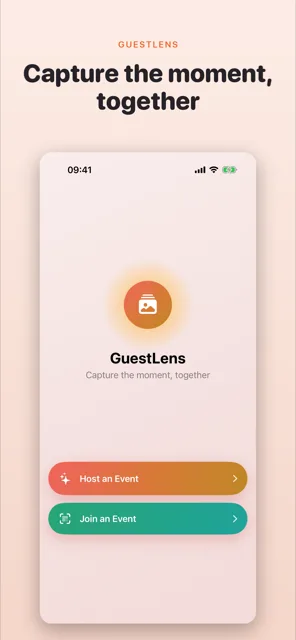
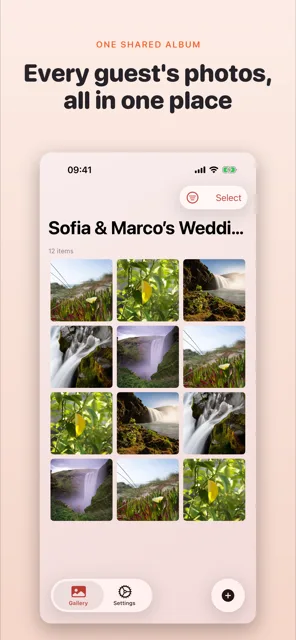
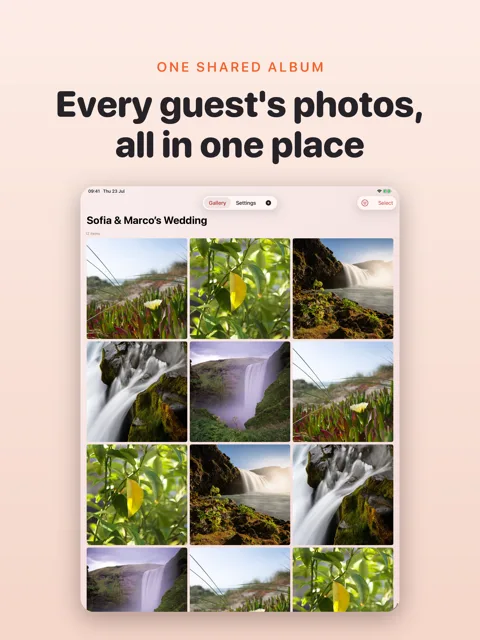
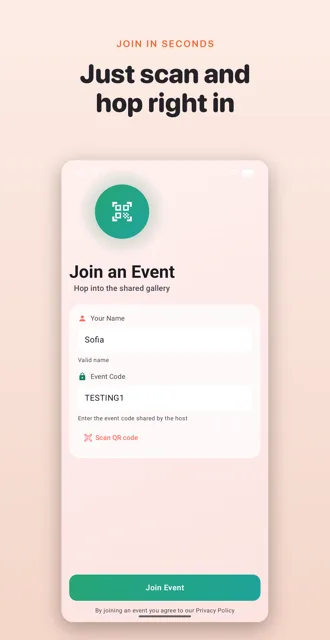
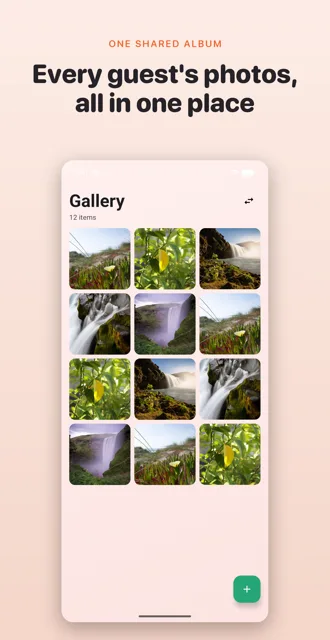
Everyone at your event is taking photos. GuestLens puts them in one gallery instead of on forty different phones. Guests join with a name and a code. There is no account to make.



What it looks like
Hosting is the worst seat for photos
When you host, you're busy. You greet people, you fix the music, you find more ice, and you take about four photos all night. Everyone else takes hundreds. GuestLens pools them into one timeline, so at the end of the night the host has a gallery of the party they were too busy to photograph.
What GuestLens does
Shared gallery
Every guest's photos and videos land in the same gallery. New ones show up while you're looking at it.
Join in seconds
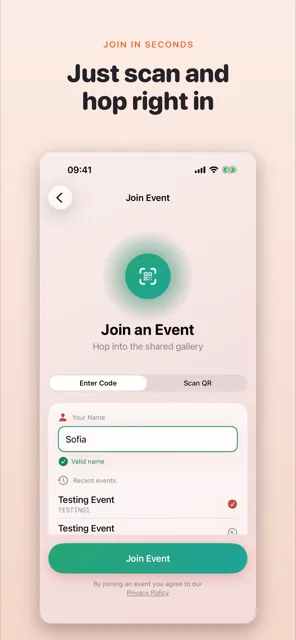
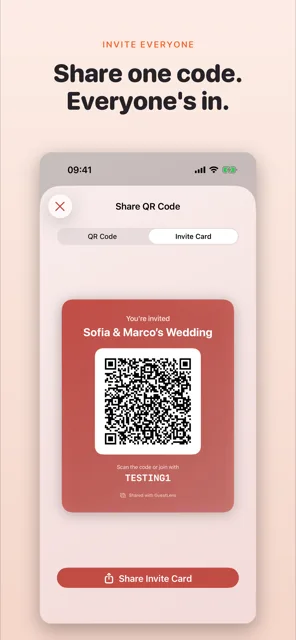
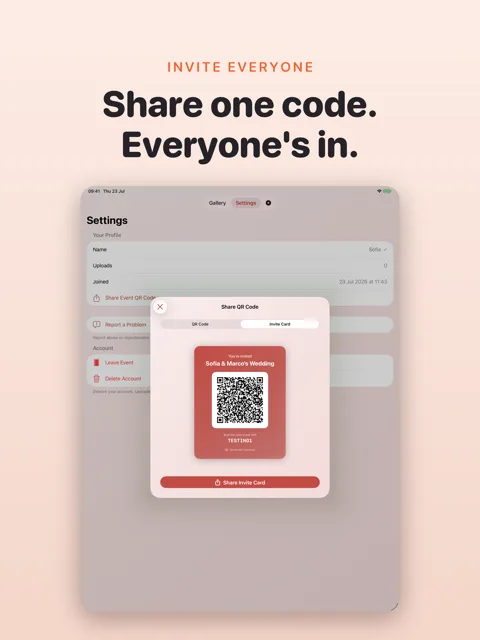
Scan the QR code or type the event code, add your name, and you're in. Nothing to sign up for.
Shoot or upload
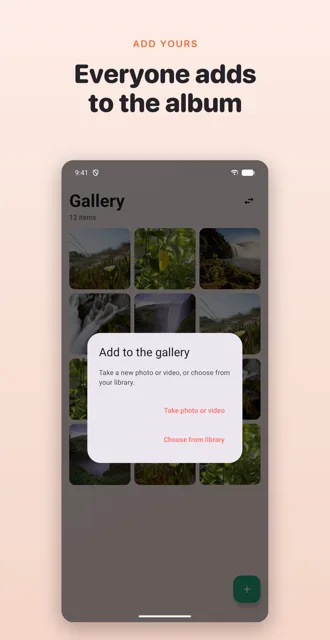
Use the in-app camera or pick from your library. You can also share into GuestLens from another app.
Works offline
Venues eat signal. Uploads queue up and send themselves once you're back online.
Private to your event
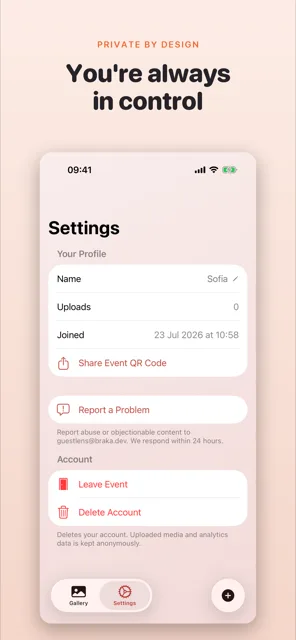
Photos stay inside the event. The host and the other guests can see them. Nobody else can.
Save what you like
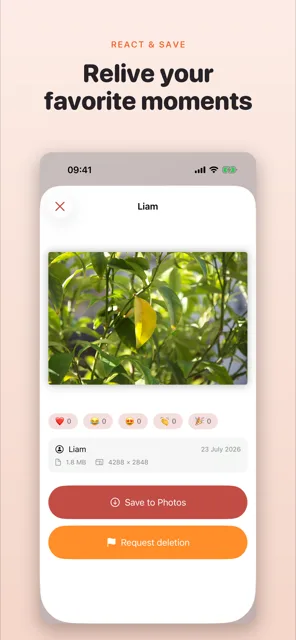
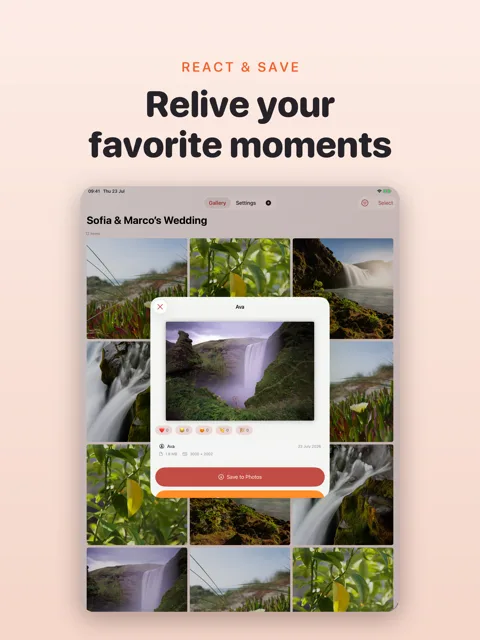
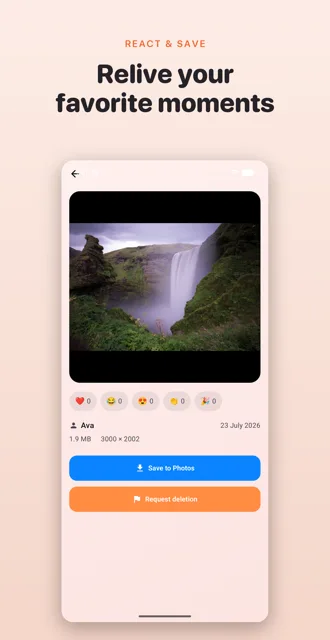
Tap save on anything you want to keep and it goes into your own Photos app.